Wristkit / Documentation
iOS Shortcut setup
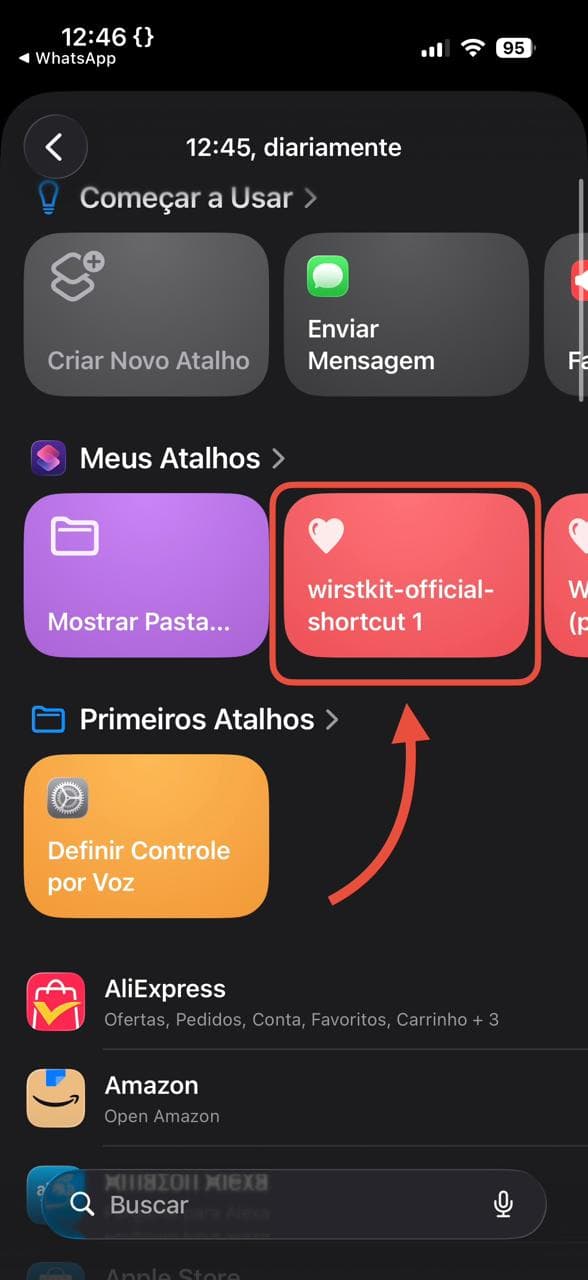
Install the wristkit Shortcut on your iPhone and start syncing your Apple Health data.
Download the Shortcut
Open this link on your iPhone:
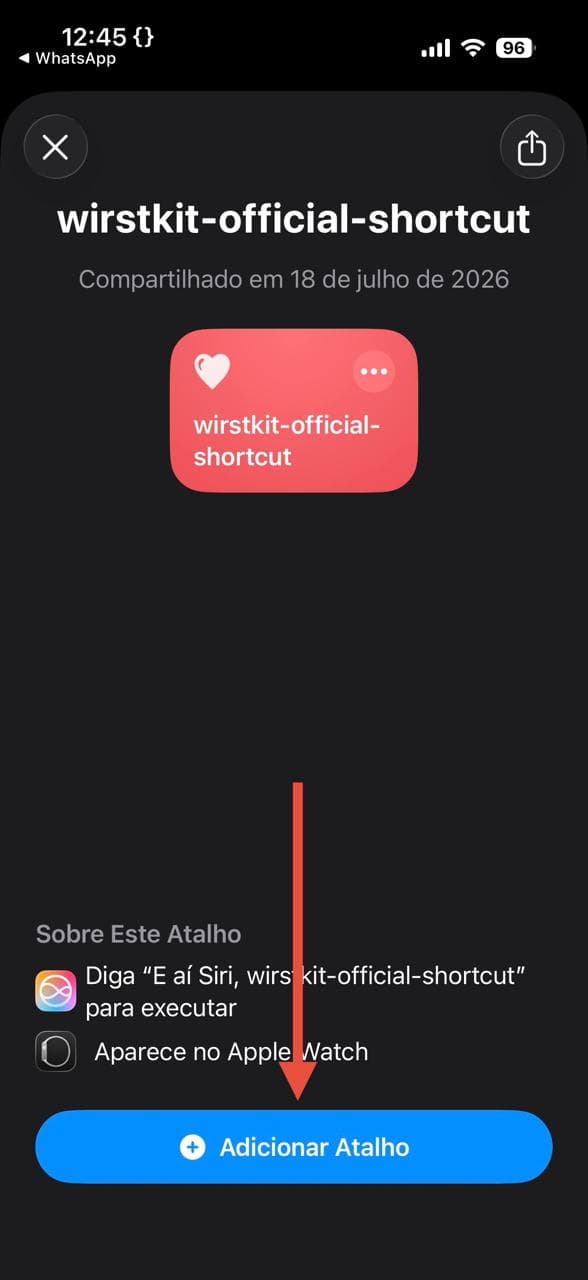
Tap Add Shortcut when the prompt shows up.
Configure the Shortcut
After it is added, open the Shortcut and edit two fields:
URL, the sync endpoint of your Next.js app:
API Key, the same value you put in WRISTKIT_API_KEY in your .env.local.
Test it
Run the Shortcut once by hand. It will:
- Read Active Energy, Exercise Minutes and Step Count from Apple Health for today
- POST a JSON payload to your
/api/wristkit-syncendpoint - Show a success or failure notification on your phone
If it works, you should see new rows in your Supabase wristkit_samples table within a few seconds.
Set up automation
To sync every day on its own, create an iOS Automation:
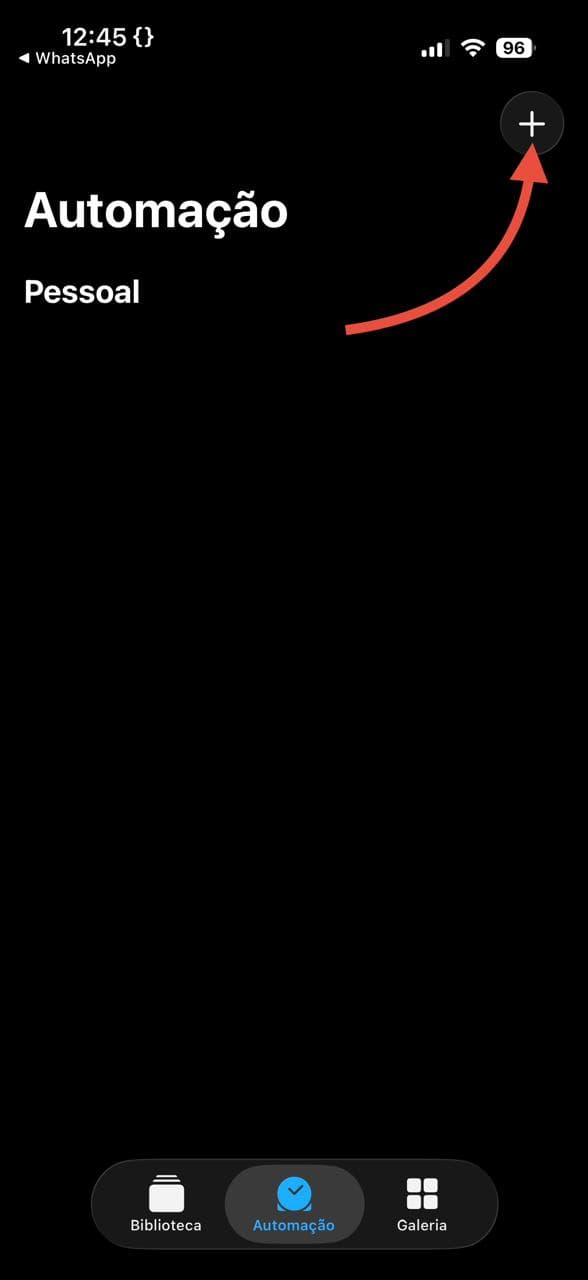
- Open the Shortcuts app and go to the Automation tab
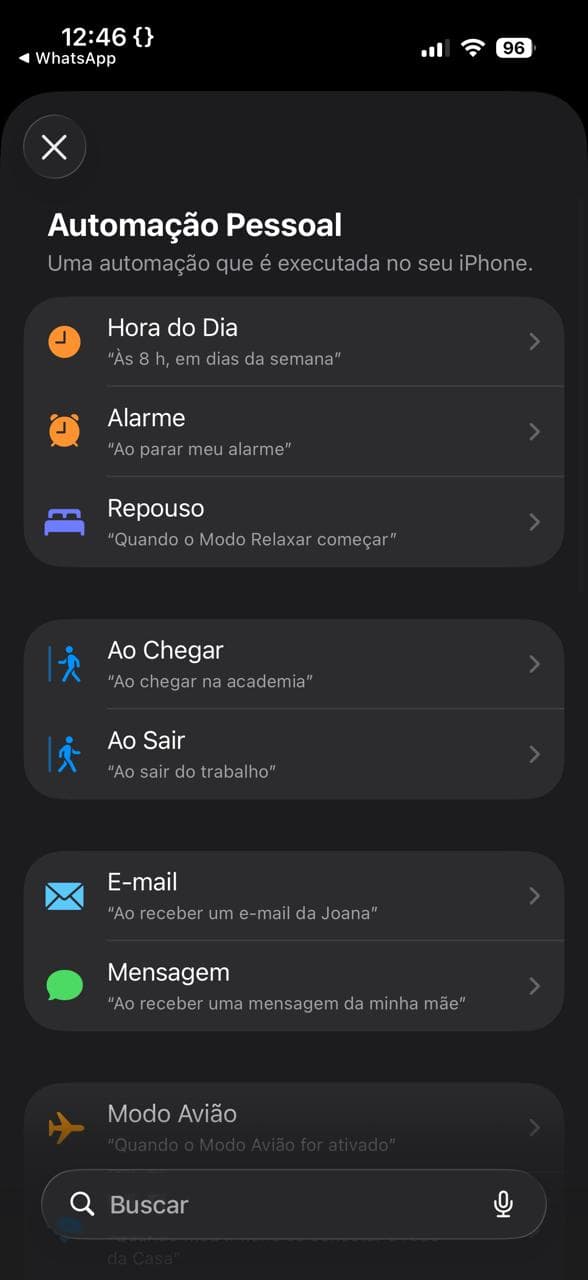
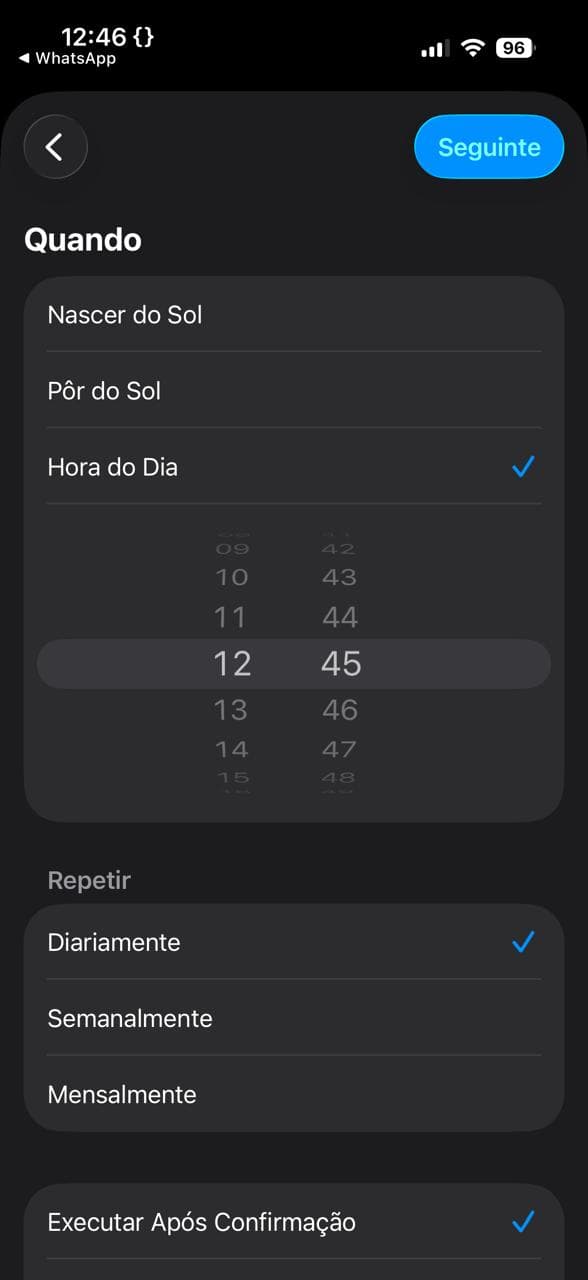
- Tap +, then Time of Day
- Set the time to 23:59 every day
- Add the action Run Shortcut and pick wristkit Sync
- Turn off "Ask Before Running"
Payload format
The Shortcut sends a flat JSON dictionary with today's three Apple Health values:
The route handler stamps recorded_at with the ingest time and expands these into one row per metric in wristkit_samples.
Troubleshooting
401 Unauthorized: your API key does not match WRISTKIT_API_KEY. Double check both values.
429 Too Many Requests: the route handler limits each IP to 30 requests every 5 minutes. The Shortcut should only fire once a day, so if you hit this you are probably retrying too fast. Wait the Retry-After seconds and try again.
Network error: make sure your site is reachable from the public internet, not only on localhost.
No data in components: check that the Supabase table actually has rows. TodayActivityCard looks for today's data in the timezone you pass to loadTodayActivity({ tz }). Without a tz it defaults to UTC, so on Vercel that may not match your local "today".